
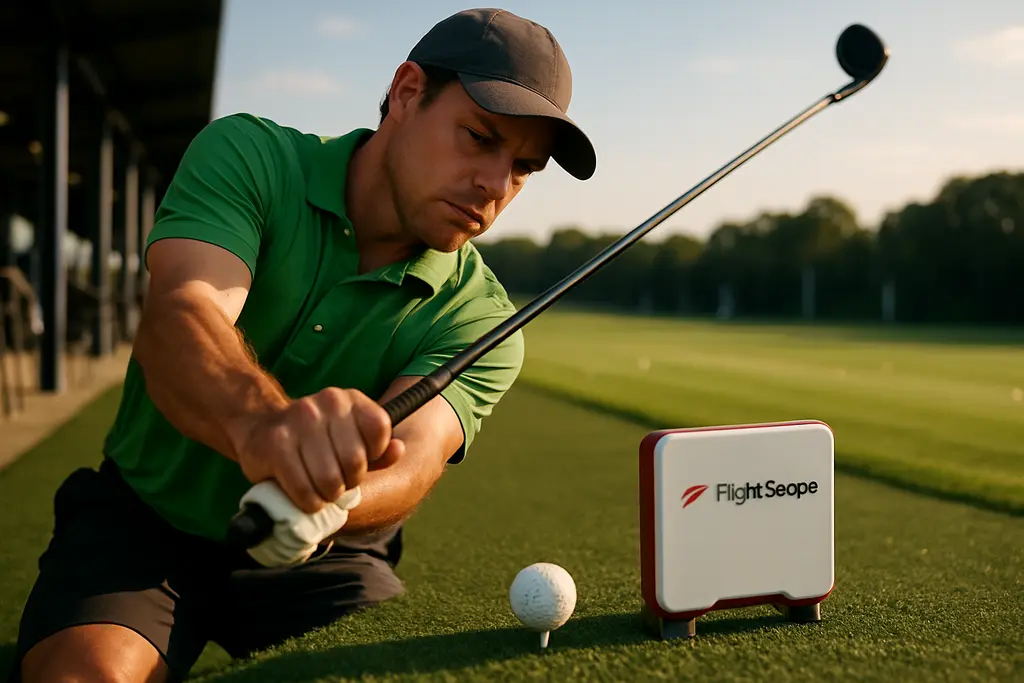
FlightScope Mevo Gen2 arrived as a serious mid-price launch monitor for golfers who want better feedback than a range bucket and a memory of ball flight. It officially launched on August 4, 2025, at a base price of US$1,199, with lifetime access to an 8-course E6 Connect bundle and no subscription or hidden annual fees listed at launch, according to FlightScope’s release announcement.
For a fitter, the important question is not whether a unit has a long feature sheet. The question is whether the data helps explain ball flight, strike pattern, and set makeup in a way the golfer can act on. A launch monitor should narrow decisions, not bury a player in numbers. That is where the Gen2 upgrades matter: more included data, stronger indoor and outdoor tracking claims, longer battery life, simulation access, and optional add-ons for golfers who need deeper club and impact detail.
This is still a tool, not a shortcut. A golfer can collect poor data with sloppy setup, and a good player can chase the wrong metric without context. Used well, though, the platform can support better practice sessions, more informed lessons, and cleaner fitting conversations.
What FlightScope Mevo Gen2 Changed
The headline change is FlightScope’s Fusion Tracking system. FlightScope describes it as a combination of 3D Doppler radar and synchronized image processing, covered by U.S. Patent No. 10,338,209. The company says this approach provides actual club and ball measurements rather than calculated values. From a fitting perspective, that matters because the golfer and fitter are trying to connect cause and effect: face delivery, launch, spin, carry, and where the shot finished.
The unit also includes 20 ball and club data parameters out of the box. The research notes name examples such as ball speed, carry, launch and spin angles, angle of attack, horizontal launch, and apex height. That is enough information to answer many first-order fitting questions. Does the driver launch too low? Is spin excessive? Are irons peaking too low to hold greens? Are wedge distances bunched together? Those answers should come from repeated patterns, not one perfect swing.
FlightScope Mevo Gen2 Data Parameters
The most useful data is the data that changes a decision. Ball speed alone is interesting, but it does not explain the whole shot. Carry distance paired with launch angle, spin, and apex height gives a fitter a better read on whether a shaft, loft setting, or head model is producing playable flight. Angle of attack can help separate a delivery issue from an equipment issue. Horizontal launch can reveal start-line tendencies before the player blames curvature.
In a driver fitting, those numbers can show whether a golfer needs a loft change, a different head profile, a shaft that improves delivery, or simply a tee-height and setup adjustment. With irons, the same data can help assess gapping, stopping power, and whether a stronger loft is helping or just lowering flight. No single metric should be treated as the verdict.
Battery Life And Range Workflow
The research notes list battery life at about six hours, nearly double the Mevo+, with USB-C charging. That is a practical upgrade because a launch monitor often gets used in blocks: warm-up, baseline testing, club comparisons, wedge calibration, and then a short-game or simulator session. A longer session without charging reduces friction, especially for coaches and fitters who work through several players in a day.
USB-C also fits how many golfers already charge phones, tablets, and other devices. That may sound minor, but golf technology only helps if it actually gets used. A device that is always half-charged or missing a cable will spend more time in a bag than behind the ball.
How The Data Helps A Fitting Session
A fitting session should begin with the golfer’s current clubs and current ball flight. The launch monitor is there to capture a baseline before any change is made. If a player says the driver is too spinny, the fitter needs to confirm whether spin is actually high, whether strike location is causing the spin, or whether the ball is launching in a playable window but missing left or right.
The Gen2’s included metrics give enough structure for that conversation. Carry distance can be more useful than total distance because range turf, wind, landing angle, and fairway firmness can distort roll. Launch and spin explain flight shape. Apex height and descent behavior help with iron and wedge stopping power. Angle of attack can show whether a golfer is delivering the club in a way that matches the chosen head and loft.
Driver And Fairway Wood Decisions
With longer clubs, a fitter is usually balancing speed, launch, spin, and dispersion. More distance is only useful if the shot pattern still fits the course. If a driver head lowers spin but also widens misses, the golfer may not have gained anything useful. If a fairway wood carries farther but launches too low from turf, it may be a poor fit even if the best shot looks impressive.
Here, repeated data matters. A good test should compare several swings with each setup, not one swing that happened to catch the center. The fitter should watch the golfer, the screen, and the strike pattern. Launch monitor feedback is strongest when it confirms what the eye and impact pattern already suggest.
Iron Gapping And Wedge Control
Iron fitting is not just about the longest 7-iron. The useful question is whether each club has a predictable carry number and playable descent. A golfer who hits strong-lofted irons farther may still struggle if the ball comes in too flat. A player with too much spin may see shots climb, lose carry, or gap poorly in wind.
For wedges, launch monitor work is often more about distance control than full-swing speed. Partial shots need repeatable carries. If a player has three wedges but only two useful numbers, the set may need a loft change, a grind review, or better practice structure. This is where launch monitor data and on-course scoring connect most clearly: fewer awkward in-between swings can make approach planning simpler, though no equipment change can promise lower scores.
Simulation And Practice Tools
The included E6 Connect bundle gave the product a practice-and-play role beyond raw measurement. The research notes list eight included courses: Kiawah Island Ocean, Torrey Pines South, Kapalua Plantation, Valderrama in Spain, Sea Island Seaside, Pelican Hill, Chateau Whistler, and Latrobe Country Club. For a home user, that matters because simulation can keep practice engaging without turning every session into a random shot parade.
Practice modes listed in the research include full swing, chipping, putting, swing training, Long Drive, and PGA Challenge. The toolset also includes a trajectory optimizer, environmental optimizer, video analysis with drawing tools, and flexible data visualization, including light and dark mode plus customizable trajectory lines based on club color.
Those features are only valuable if the golfer builds a plan. A useful home session might start with 10 baseline 7-irons, move into a driver launch window check, then finish with wedge carry calibration. A less useful session is hitting driver for 45 minutes while chasing the longest shot on the screen. The monitor gives feedback; the golfer still needs discipline.
Short-game tracking also appears to have received attention. The research notes say the camera hardware was reengineered and that 2026 PGA Show interviews noted a slightly higher internal camera position than on Mevo+, with better detection of delicate shots around the green such as chipping and putting. For many golfers, that is more meaningful than another long-drive number. Scoring pressure often starts inside 100 yards.
Cost, Add-Ons, And Buying Fit
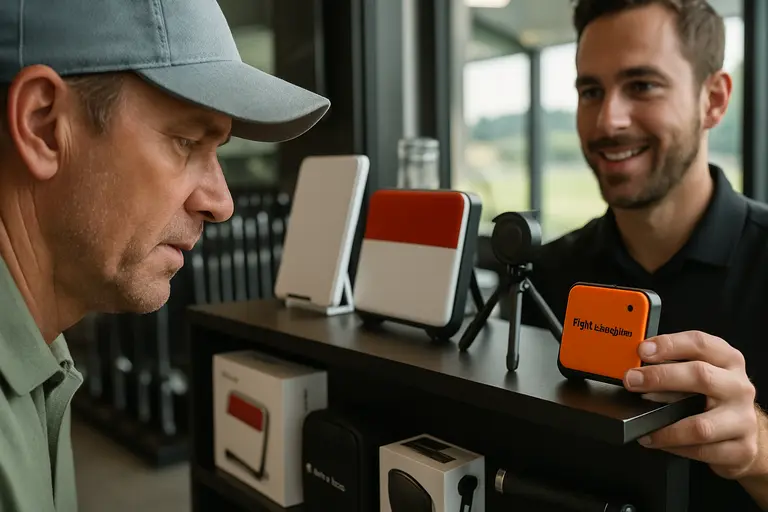
The FlightScope Mevo Gen2 did not stay at its launch price forever. By early 2026, Independent Golf Reviews reported a base price of US$1,299, with optional Pro Package and Face Impact Location costs bringing a fully loaded setup to about US$2,149–2,150 depending on promotional pricing, according to its Mevo Gen2 review.
That price context matters. A golfer buying for basic speed, carry, launch, spin, and simulation may not need every add-on on day one. A coach, serious fitter, or advanced player may place more value on the deeper club and strike data. The right buying decision depends on how the unit will be used, not how many features can be activated.
FlightScope later released the Pro Package add-on on November 10, 2025. The research notes say it added 11 advanced metrics focused on club data and impact dynamics, including club path, face to path, face to target, dynamic loft, swing planes, low point, vertical descent angle, curve, and speed and acceleration profiles. The same date also brought the Face Impact Location add-on, which visualizes strike location from driver through wedges and adds Lateral Impact and Vertical Impact parameters with heat-map style feedback.
- Base user: wants carry numbers, launch and spin feedback, and simulation practice without buying deeper club-data tools immediately.
- Improvement-focused player: wants to connect strike, launch, and curvature during structured range sessions or lessons.
- Coach or fitter: may value club delivery and impact-location data because it helps separate swing delivery from equipment fit.
The impact-location add-on is especially relevant in fitting. If a golfer tests three drivers and one produces centered contact more often, that may explain better ball speed and tighter dispersion without guessing. Strike location can also explain why a shot launched high with low spin or started on a different line than expected. Face data does not replace impact tape or spray for every shop, but digital strike feedback can make patterns easier to review over a full session.
For readers who follow sports technology across other parts of our network, the lessons learned from network sports coverage often show the universal truth: useful data changes preparation, making it actionable rather than just informative.
FlightScope Mevo Gen2 For Fitting Decisions
FlightScope Mevo Gen2 is best viewed as a data platform for golfers who want practice feedback, simulator use, and fitting support in one unit. Its strongest fit is the player or coach who will use the numbers with a purpose: establish a baseline, test one change at a time, and judge clubs by patterns rather than outliers.
The upgrades point in the right direction for real fitting work. Fusion Tracking supports the measurement story. The included 20 parameters cover many core questions. Longer battery life makes range use more practical. Simulation and practice modes keep the device useful between fittings. The Pro Package and Face Impact Location add-ons give advanced users more ways to understand club delivery and strike.
The caution is simple: do not buy any launch monitor expecting automatic score or distance gains. Better information can support better choices, but the golfer still needs sound setup, consistent testing, quality instruction when needed, and clubs built to the right specs. Used that way, the Gen2 can help turn practice from guesswork into evidence-based adjustment.