
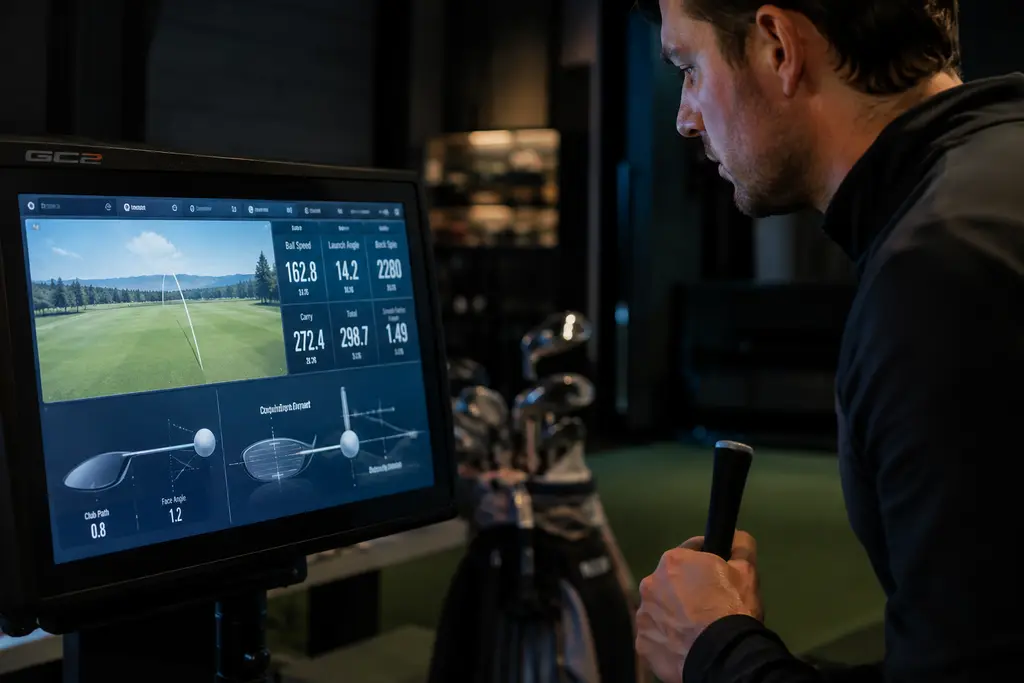
The Foresight GC2 Launch Monitor returned in a redesigned 2026 version with a clear target: golfers who want measured ball data at home without stepping into the price range of the higher-end Foresight units. Foresight Sports unveiled the redesigned GC2 on October 1, 2026, opened preorders that day, and scheduled shipping for October 9-15, 2026, according to Foresight’s 2026 GC2 announcement.
For a player building a garage net, spare-room simulator, or range practice routine, the appeal is easy to understand. The unit uses a photometric, dual-camera system, reports a broad set of ball-flight numbers, and sits in a lower price slot than Foresight’s GC3 and GCQuad. The fitting question is not whether it looks attractive on paper. The better question is whether ball-only data gives you enough information to make better practice and equipment decisions.
Foresight GC2 Launch Monitor Key Facts
The 2026 GC2 is priced at US$1,699 in the research notes, placing it as the most affordable launch monitor in Foresight’s hardware lineup. Golf Monthly’s review context lists the GC3 from roughly US$6,999 and the GCQuad from roughly US$15,999, which frames the GC2 as a very different buying decision from the company’s premium fitting tools Golf Monthly’s GC2 review.
That price gap matters, but it should not be read as a shortcut to a full professional fitting station. The GC2 is built around ball measurement, not full club delivery measurement. For many home players, that is still valuable. For a fitter trying to diagnose path, face, attack angle, strike location, and club delivery, the missing club data is the real tradeoff.
What The Foresight GC2 Launch Monitor Measures
The data set is centered on the golf ball after impact. The listed ball metrics include carry and total distance, ball speed, launch angle and direction, backspin, side spin, total spin, spin axis, offline, peak height, descent angle, hang time, and curve. Those numbers are the core of a useful home practice session because they show where the ball started, how it flew, and how it finished.
In fitting terms, carry distance, spin, peak height, and descent angle are especially useful. A beginner can learn whether a 7-iron is flying on a playable window rather than judging only by feel. A higher-speed player can watch whether a driver is spinning too much or launching too low. A wedge player can track whether partial shots are carrying predictable distances.
Price Position In Foresight’s Lineup
The Foresight GC2 Launch Monitor is not inexpensive in the casual gadget sense. It is affordable only in relation to camera-based launch monitors with stronger reputations among fitters, coaches, and indoor practice users. That distinction matters. A golfer should still budget for a safe hitting area, mat, net or screen, balls, power access, and any software costs that apply after a trial period.
The research notes list a 30-day Foresight+ trial and annual membership tiers after that. Since software terms can change, treat that as part of the pre-buy checklist rather than a footnote. The hardware price is only one part of the cost of a useful home setup.
Home Setup Fit And Space Planning
A camera-based unit can be friendly to smaller indoor spaces because it reads the ball near impact rather than needing a long downrange flight window. That is one reason photometric monitors are common in garages and indoor bays. The GC2’s listed connectivity includes Bluetooth, Wi-Fi, Ethernet, and USB-C, plus a built-in color display for live feedback without needing a phone or tablet in every session.
Indoor Net And Garage Use
For home use, the first fitting variable is not the launch monitor. It is the hitting environment. You need enough room to swing the longest club you plan to use, a mat that does not punish your joints, and a net or screen that can handle real ball speed. The monitor can report high-quality numbers, but it cannot make a cramped setup safe.
Ball position also becomes part of the routine. Camera systems tend to reward consistent placement and clean setup habits. If you rush the ball into the hitting zone, use scuffed balls, or hit from uneven turf, the session can become less useful. Treat the setup like a small fitting bay: same ball type, same target line, same tee height for driver, and enough warm-up swings before recording numbers.
Connectivity And Display Choices
The built-in display is more than a convenience feature for beginners. It lets you see launch, spin, and carry feedback right after the shot without walking to a tablet or relying on a simulator screen. That can keep practice focused. Hit five shots, note the carry pattern, then change one variable. Do not chase every single shot.
For those interested in additional tech resources, CAD/CAM Net is part of the same network and offers insights into the world of data-driven design and manufacturing beyond golf.
How Ball Data Helps Beginners Score
The biggest mistake newer golfers make with launch monitors is treating distance as the only number that matters. Carry distance matters, but scoring often improves through better decisions: knowing which club clears a front bunker, seeing whether a hybrid actually carries farther than a 5-iron, or learning that a wedge swing flies 82 yards instead of a guessed 95.
Carry Gaps Before Swing Changes
The Foresight GC2 Launch Monitor can be useful for mapping carry gaps because it captures the ball flight after impact. A simple session might record eight reasonable shots with each iron, remove the obvious mishits, then note the average carry and the spread. If your 6-iron and 7-iron overlap, that is a fitting conversation. It may be a loft issue, shaft delivery issue, strike issue, or simply a swing-speed pattern that needs better set makeup.
This is where launch-monitor data should support golf decisions, not replace judgment. A beginner who sees a 15-yard slice pattern with driver does not automatically need a new driver. The data may point toward a lesson, a shorter driver build, a loft change, or a face-angle discussion. The right answer depends on strike and delivery, which the GC2 does not fully measure on its own.
- Use carry first: Build bag distances from where the ball lands, not one best total-distance number.
- Watch spin and height together: A low-spin shot that falls out of the air can look fast but play poorly into greens.
- Track offline pattern: A predictable miss is easier to manage than random direction changes.
- Separate practice from fitting: Home data can prepare you for a fitter, but it does not replace a full fitting session with club data.
If you want a closer fitter-style read on what this category offers, our related breakdown of Foresight GC2 data explains the value and limits of ball-focused measurement for budget-conscious players.
Where The Data Stops
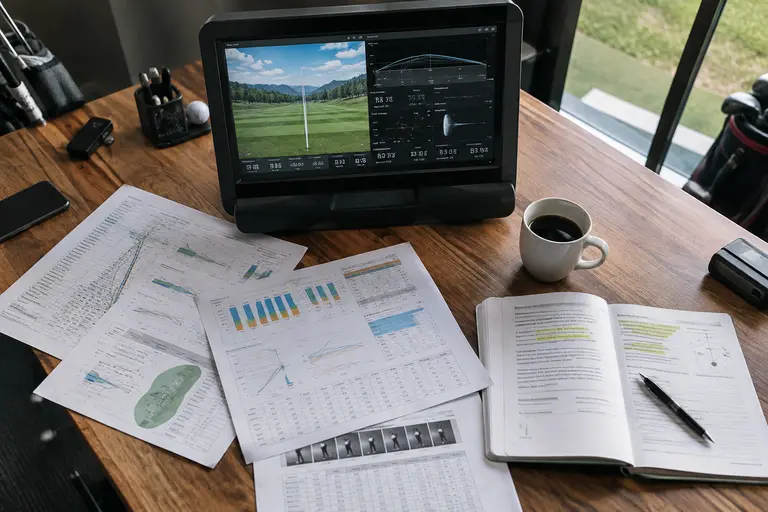
The key limitation is club data. The research notes state that the GC2 does not measure club head speed, attack angle, club path, or face angle. Those numbers live in the higher-end Foresight models such as GC3 and GCQuad. That does not make the GC2 weak; it defines its job.
If your goal is to compare ball performance between two drivers, evaluate iron gapping, or build wedge distances, ball data can take you a long way. If your goal is to understand why the face is open, why attack angle is steep, or why strike location keeps drifting toward the heel, you will want a coach, impact tape, foot spray, a higher-data launch monitor, or a professional fitting environment.
Outdoor use also deserves caution. The research notes point to possible detection limits in very bright sunlight with some ball colors or high-contrast balls. That is not unusual for camera-based systems, but it is worth testing in the environment where you actually plan to practice. A launch monitor that performs well indoors may not be equally convenient on every range mat at noon.
Who The Foresight GC2 Launch Monitor Fits Best
The Foresight GC2 Launch Monitor fits the golfer who wants measured ball data, has a safe home hitting space, and understands that better practice comes from patterns rather than single-shot highlights. It makes sense for serious amateurs, coaches who can work within ball-only feedback, and players who want to build carry charts through the bag.
It is less ideal for golfers who want full swing-delivery data, dislike subscription-based software costs, or need the deepest club-fitting toolkit in one unit. In those cases, paying more for club data or booking time with a fitter may be the more efficient route.
Used well, the GC2 can make home practice more organized. It can show whether your stock 8-iron carries the number you think it does, whether your driver window is playable, and whether your wedge matrix has gaps. It cannot promise lower scores, and it cannot diagnose every swing cause by itself. For a home player, that is a fair trade: accurate ball-flight feedback, clear limits, and enough information to ask better fitting questions before changing equipment.